On my first safari in 2017, I missed moments that never come back. One of them happened in Hwange National Park in Zimbabwe: I wanted to photograph a Brown-hooded Kingfisher taking off. For that I would have needed ProCapture, but I didn’t have it on a button. I first had to turn the mode dial, which cost time, and by the time the camera was ready, the bird was gone.
Since then, I’ve prepared differently. In this article, I show you how I photograph from the safari vehicle: handheld instead of with a beanbag, with a fixed rule for focal length, and with the most important functions on a button instead of in the menu.
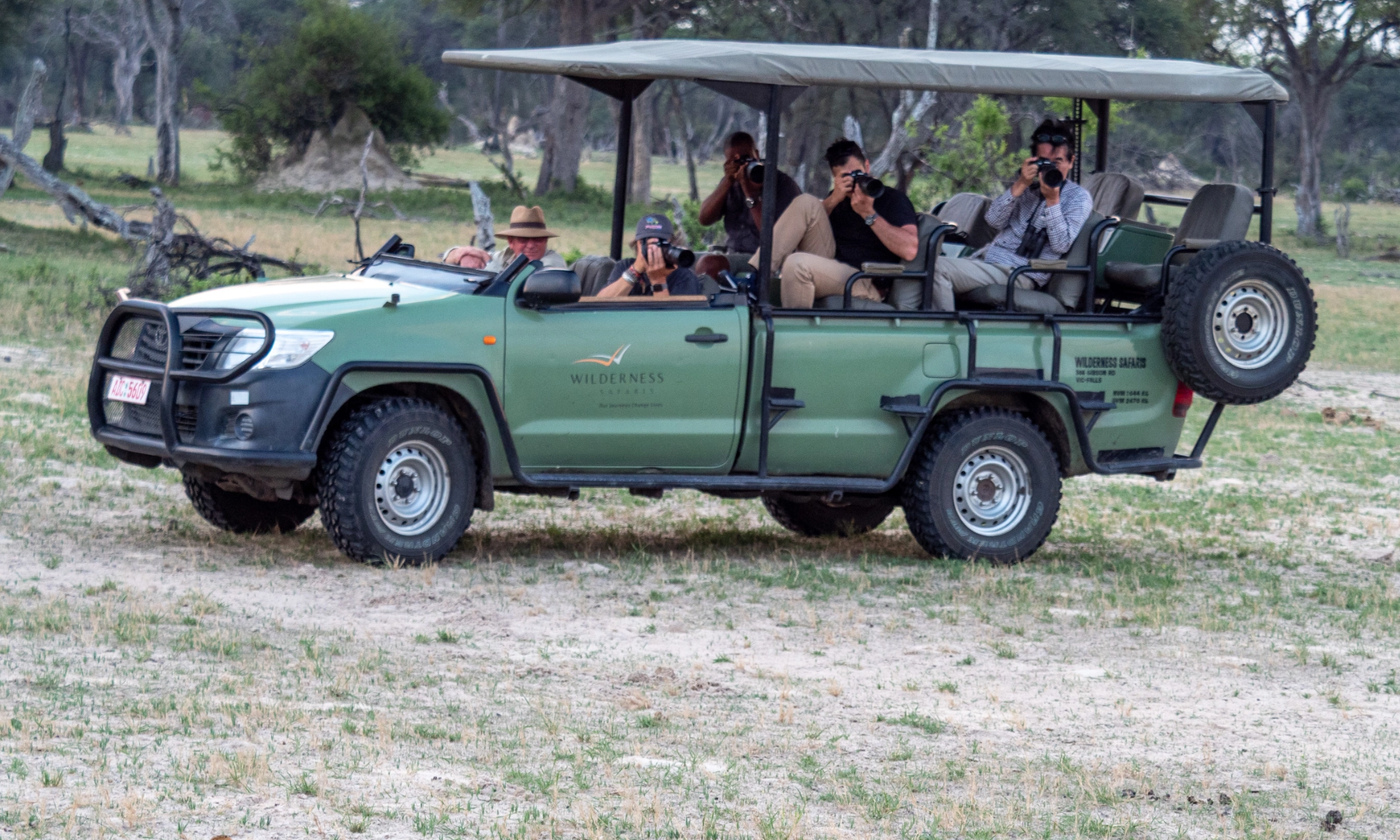
The starting point: open safari vehicles
So far, I have only photographed from open safari vehicles, and everything in this article refers to them. With vehicles that have a roof or windows, things may look different. I can’t say anything about that from my own experience.
The guides usually switch off the engine as soon as you stop at an animal. They want to disturb the animals as little as possible. For us photographers, that has a nice side effect: The vehicle stays still. When the vehicle moves, it is many times harder to choose your framing and hold the camera steady. If your guide behaves differently, talk to them about it. They will surely accommodate your wishes. After all, they want you to have a great experience.
Handheld instead of a beanbag
Many safari photography tips put the beanbag at the top of the packing list. You place it on the edge of the vehicle, the telephoto lens rests on it, and the camera sits steadier than in your hands. I have never used one and have never missed it, either. So I can’t offer you a comparison, only my experience: The OM System gear is small and light, and the image stabilization works excellently. I shoot handheld while seated and let the image stabilizer run in Standard IS mode. That is enough for me.
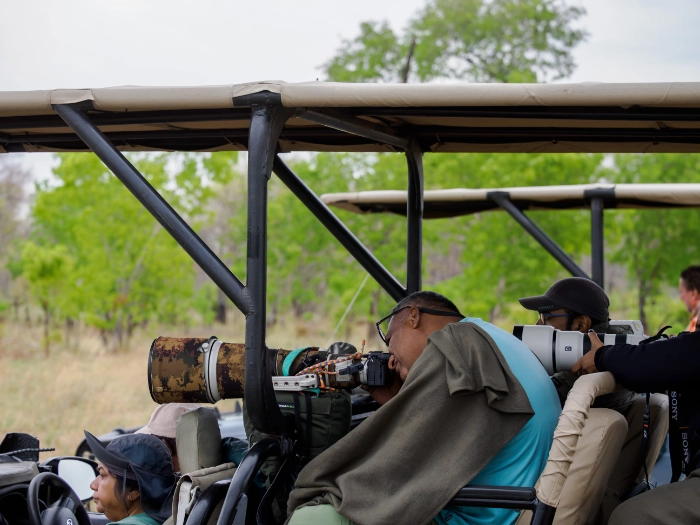
My technique for holding the camera is the same as for any other photography: as stable as possible. The stabilization helps with that, but it doesn’t replace solid technique. The stabilization compensates for your movement, not the animal’s. If an animal is walking or a bird is flapping its wings, the shutter speed decides how sharp the image is. I have explained how the stabilization works in detail, and what Sync IS brings with the 150-400mm, in my article Image Stabilization: What IBIS and Sync IS Really Deliver.
If you travel with a heavier system, you may come to a different conclusion.
Three focal lengths, one rule
On safari, I always bring three lenses:
- M.Zuiko Digital 150-400mm F4.5 PRO for long distances
- M.Zuiko Digital 40-150mm F2.8 PRO for medium distances
- M.Zuiko 8-25mm F4.0 PRO for landscape shots
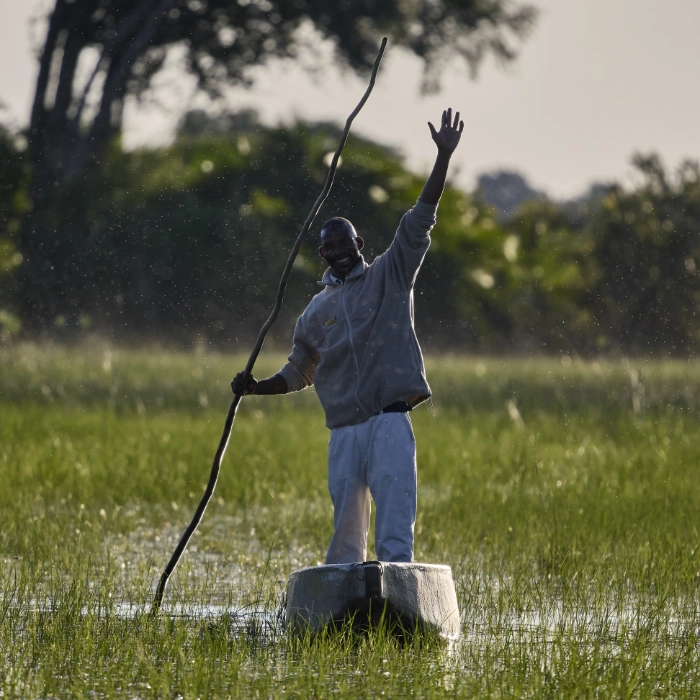
Usually I carry two cameras: One has the 40-150mm on it, the other the 150-400mm, and the 8-25mm comes along as needed. On my last trip, it was just one camera. The flight to Mana Pools in Zimbabwe was in a small propeller plane, and luggage there was limited to 20 kg. So only the OM-1 and the three lenses came along, about 4 kg in total.
With only one camera, I follow a fixed rule: The long focal length is always on the camera. The reason is simple. Shots with a long focal length happen spontaneously. An animal appears, a bird takes off, a moment lasts a second. Shots with a short focal length usually allow more time. The landscape and the mood in camp won’t run away while you change the lens. So I only switch lenses when there is time for it.
Why not the 50-200mm?
You are probably wondering why I carry the 40-150mm in my backpack and not the 50-200mm F2.8. I had the 50-200mm with me on a safari in Zimbabwe, on loan from OM Digital Solutions. Image quality and autofocus convinced me. In addition, its focal range overlaps with the 150-400mm, so I had to switch lenses less often. With only one camera, that is a real advantage. But since I already own the 40-150mm F2.8, the benefits aren’t big enough for me to switch. You can find all the details in my experience report on the 50-200mm on safari.
Putting custom modes and ProCapture on the Fn buttons
Back to the Brown-hooded Kingfisher from the beginning. ProCapture is the function that would have saved the shot: The camera starts capturing as soon as you half-press the shutter button, and when you press it all the way, it also saves frames taken just before. That way, you capture moments that are too fast to hit with your finger. On my first trips, I hadn’t assigned ProCapture to a function button, and the mode dial is too slow at the decisive moment. Since then, my rule is: Everything I need quickly in a situation belongs on a button I only have to press, not in a menu. That way, I don’t have to take my eye off the viewfinder, and I don’t miss an important moment.
That is why I have assigned my custom modes to the two Fn buttons on the front next to the lens. One press, and the camera is set up for the situation, without my having to take my eye off the viewfinder. On safari, I use the same modes, C1 and C2, that I use for ProCapture otherwise. I described which settings are behind them in my article OM-1 Benutzermodi: Mein Setup für ProCapture und Panorama (in German).
Saving safari settings in OI.Share
Maybe the settings you need on safari differ from the ones you normally use, for example for the custom modes or autofocus. Then you don’t have to change everything by hand before every trip and back again afterwards. The OI.Share phone app and OM Workspace can store several camera settings, and you transfer them back to the camera when you need them. That way, you have your safari setup ready in just a few steps. How saving, sharing and importing work, step by step, I described in a separate article: How to Transfer OI.Share Camera Settings to a New Phone.
My tip: Also back up your normal setup before the trip, so you can get back just as quickly afterwards.
My checklist before the game drive
- The 150-400mm is on the camera and clean.
- The other lenses are ready so that I can get to them quickly.
- The image stabilizer is running in Standard IS mode.
- My safari setup is loaded onto the camera from OI.Share (if it differs from my normal one).
- On the first game drive, I test my custom modes on the Fn buttons with ProCapture. After that, I don’t change anything.
Conclusion
On safari, I shoot handheld, and so far I have never missed a beanbag. What matters to me is that the camera is ready at the decisive moment. With only one camera, the long telephoto is therefore always on it, because the spontaneous shots happen at the long end. My custom modes are on the Fn buttons rather than in the menu. And if your safari settings differ from your normal ones, you save them in OI.Share and load them onto the camera when needed.
How do you photograph from the safari vehicle: with a rest or handheld? And at which focal length did you miss the most shots? Feel free to tell me in the comments.