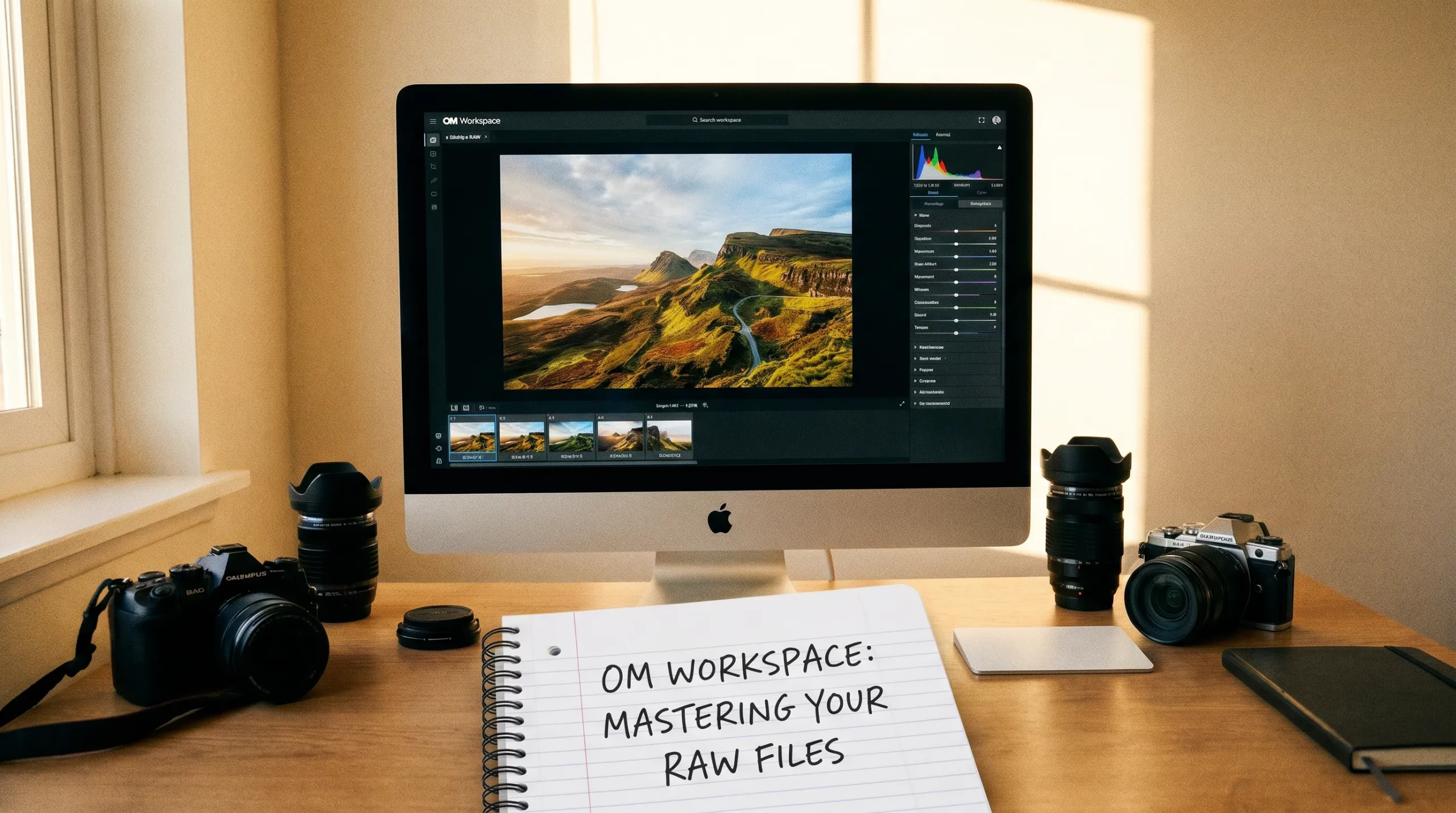
OM Workspace is the free software from OM Digitalsolutions for all Olympus and OM System camera owners. It offers far more than basic RAW development: from AI-powered noise reduction and USB-RAW Processing to post-processing your Live Composite shots – OM Workspace is a fully capable tool every OM System user should know.
This article gives you an overview of all key features, with direct links to the detailed guides.
What is OM Workspace?
OM Workspace is the official RAW converter and image editing software from OM Digitalsolutions (formerly Olympus). The software is free to download from the OM System website. It supports all RAW files from OM System and Olympus cameras and is the only software with access to exclusive in-camera features like USB-RAW Processing.
AI Noise Reduction in OM Workspace**
One of the most impressive features in OM Workspace is the AI-based noise filter. Using artificial intelligence, even heavily noisy shots – for example in wildlife or bird photography in low light – are cleaned up significantly without losing detail.
→ You can find out how to use the noise filter in OM Workspace in my article “Noise Reduction with AI“.
USB-RAW Processing
USB-RAW Processing is an exclusive feature only available in OM Workspace. RAW files are developed not on the computer, but directly on the camera chip – using all the in-camera algorithms that would normally only apply to JPEG output. The result: maximum quality with minimal post-processing time.
→ You can find out how this works in my article “USB-RAW processing in OM Workspace useful?“.
Post-Processing Live Composite in OM Workspace
Live Composite is one of the most popular creative features in OM System cameras – and OM Workspace enables targeted post-processing of these shots. Whether fireworks, light trails or starry skies: OM Workspace helps you get the most out of your Live Composite images.
→ In the article “Live Composite Images in OM Workspace“, I’ll show you how to combine images into a Live Composite after the fact.
Firmware Updates via OM Workspace
OM Workspace is also the tool for firmware updates on your camera. Regular updates bring new features and bug fixes – with OM Workspace it’s done in a few minutes.
→ Here you will find detailed instructions on how to update the firmware using OM Workspace.
Download OM Workspace
OM Workspace is available for free on macOS and Windows. Download directly from the official OM System website: OM System Downloads
Which OM Workspace feature do you use most? Let me know in the comments!
comment trier les photographies par dates- heures prise de vue dans il wirksoace ,?