OM Digital Solutions has offered OI.Share, a free app for iOS and Android devices, for years. It lets you control the camera remotely, download images and even update the firmware. On top of that, you can use the smartphone’s GPS functionality to store position data in the image. Besides the webcam software I describe in my article “Using the OM-D / OM-1 cameras for video conferencing”, Cascable offers software that can be used as an OI.Share an alternative. The basic functions are free, but there are also more advanced features that are only available in a paid version.
What can the OI.Share an alternative?
Since OI.Share is a free add-on from OM Digital Solutions, an alternative that has quite a lot to offer to really be an alternative. The functions behind the paywall in particular should add enough value to justify the cost. So what does the free version of Cascable offer, and what do you get on top if you buy it (a one-off €69.99) or subscribe (€29.49 per year or €4.99 per month)?
In its free version, the software supports just about every essential basic function for controlling your camera. You can set and judge shutter speed, aperture and focus directly in a live view preview. You can also switch the exposure modes P, A, S and M right in the app, without having to touch the camera. In the same way, you can adjust the drive mode and white balance and then fire the shutter directly from within the software. It is also possible to transfer images from the camera to your smartphone. In the free version, however, this is limited to JPEG files.

What does OI.Share does better than Cascable?
Cascable can do a lot, but not everything. On the OM-1, for example, Cascable only supports S-AF; switching to C-AF is not possible. Cascable also cannot be used as a virtual cable release (remote control without live preview). As a result, the special functions such as LiveND, LiveComposite and HighRes Shot cannot be set through Cascable either. With OI.Share, on the other hand, this works. A major drawback is that firmware updates are not supported. This matters all the more if you use an Apple computer with an M processor, because there the firmware update only works with a lot of effort, by disabling the operating system’s security settings.
What does Cascable do better than OI.Share?
As described above, the free version of Cascable does not offer as many functions as OI.Share. Even so, it can make sense to buy the software. That is because the paid version of Cascable offers a very sophisticated way of automating workflows. So if you are looking for an app that lets you automate repetitive tasks, Cascable is worth a look. The so-called “Shutter Robot” can be used as a highly customisable trigger via so-called “Recipes”. This way, you can, for example, adjust the exposure compensation after every exposure. You can also program loops with wait times and the like. A detailed description of what is possible with the “Shutter Robot” can be found on the Cascable website.

How do I connect my OM-1 to Cascable?
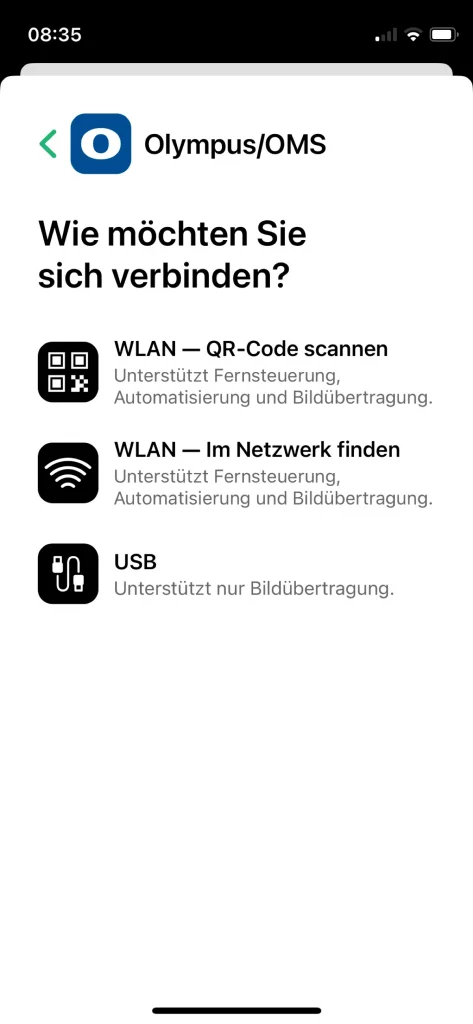
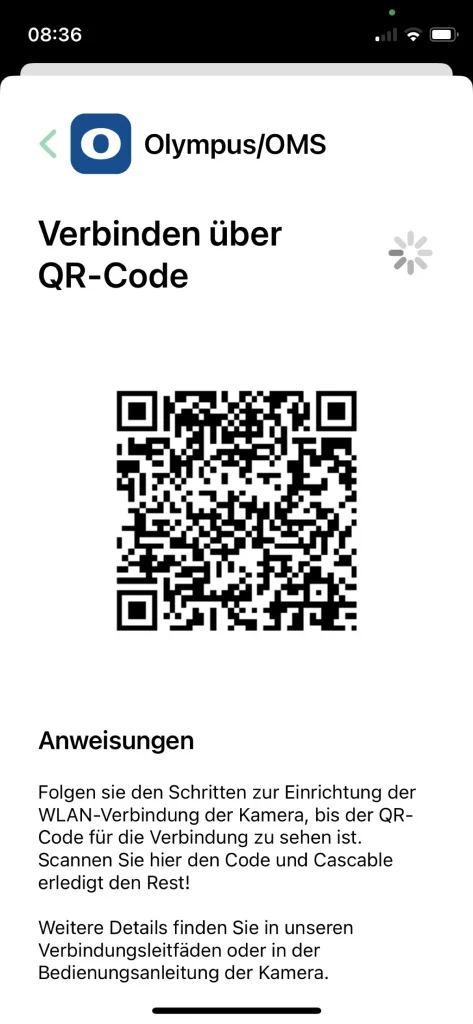
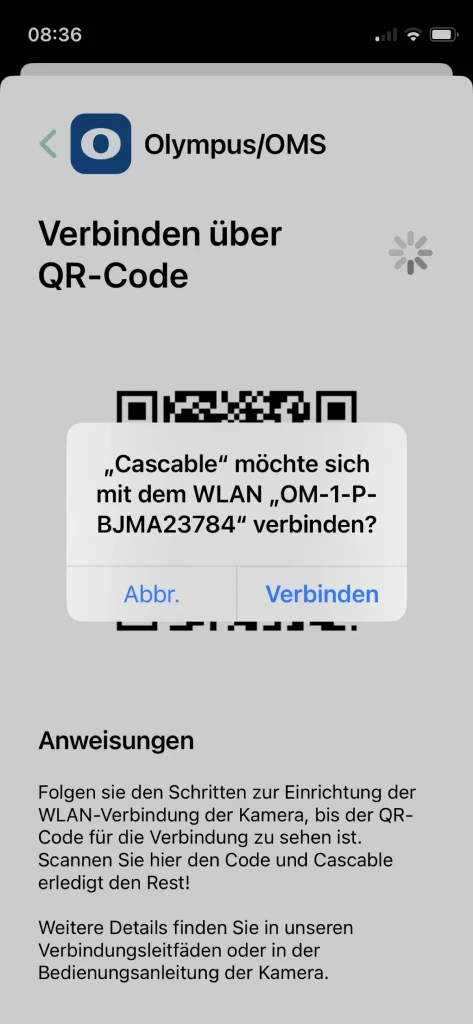
Setting up Cascable is about as easy as with OI.Share: you scan the camera’s QR code, and the software does the rest. Alternatively, you can search for the camera manually on the network, but that is more cumbersome. The option to connect the camera via USB is not available on the OM-1.
Once it is set up, the software is more or less self-explanatory. In the bottom row, you can set aperture, shutter speed, ISO and exposure compensation. Above that, you will find further controls. The big button is the shutter button. To the right of it, you can choose the operating mode, that is, whether you want to work in Program, Aperture Priority, Shutter Priority or Manual mode.
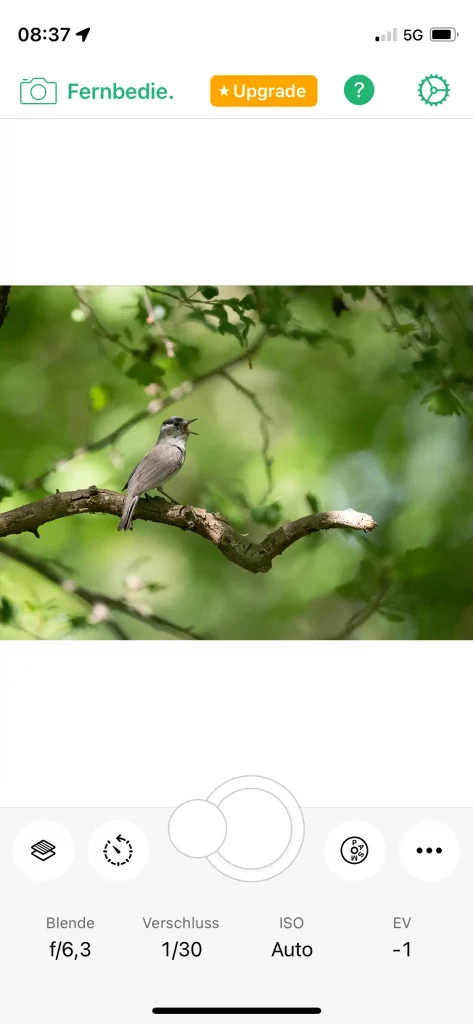
The control to the left of the shutter button is the Shutter Robot, which acts like a self-timer in the free version, but becomes a very powerful tool in the paid version (see above). Next to it you can overlay various pieces of information about the image.
Conclusion
The free version can do less than OI.Share and therefore makes little sense. But if you are looking for a tool to automate your shots, Cascable is certainly a software worth considering. To find out whether it suits you, you can try the paid version for free for a week and then decide whether the software is right for you or not.
If you have experience with the software, please share it with us in the comments. I look forward to a lively discussion.
Pingback: OM-1 remote control comparison